

On this page
To remind a customer about what they owe, tap Send reminder in their খাতা. A message with the amount and your shop's name is ready; change it if you like, then send it by SMS or WhatsApp from your own phone. It goes from your own number, so there is nothing to set up.
Before you begin
- Anyone who can see the Due Book can send reminders: the Owner, Admin and Staff roles.
- The customer needs a phone number, and something they can be asked to pay now.
Send a reminder
- Open Due Book and tap the customer.
- Tap the bell button beside their name at the top (Send reminder).

- The Message is filled in with the amount due and your shop's name. Change it if you want, for example to ask when they can pay.
- Choose how to send it:
- SMS: your phone's messages app opens with the customer's number and the message. Send it from there.
- WhatsApp: WhatsApp opens on the customer's number with the message. Send it from there.
- Share or Copy message: share or copy the message to send it some other way. Phones that can share show the share button; everywhere else shows copy.
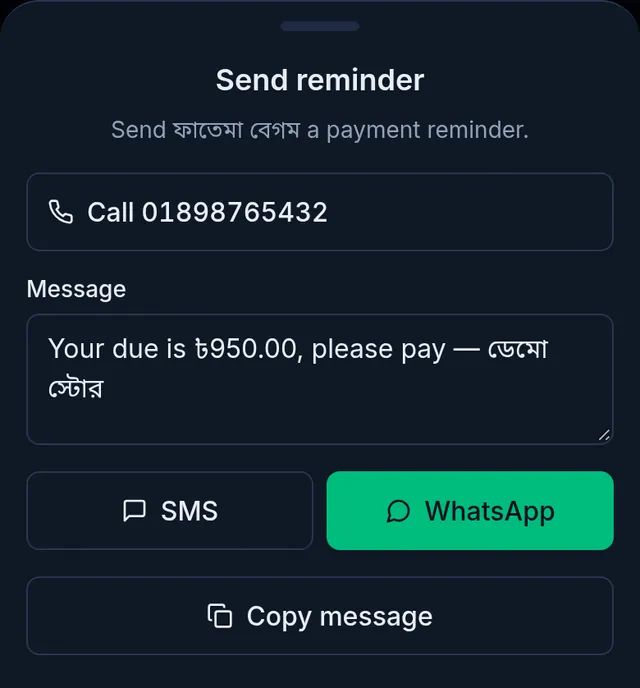
- To talk instead, the call button at the top of the same sheet phones the customer.
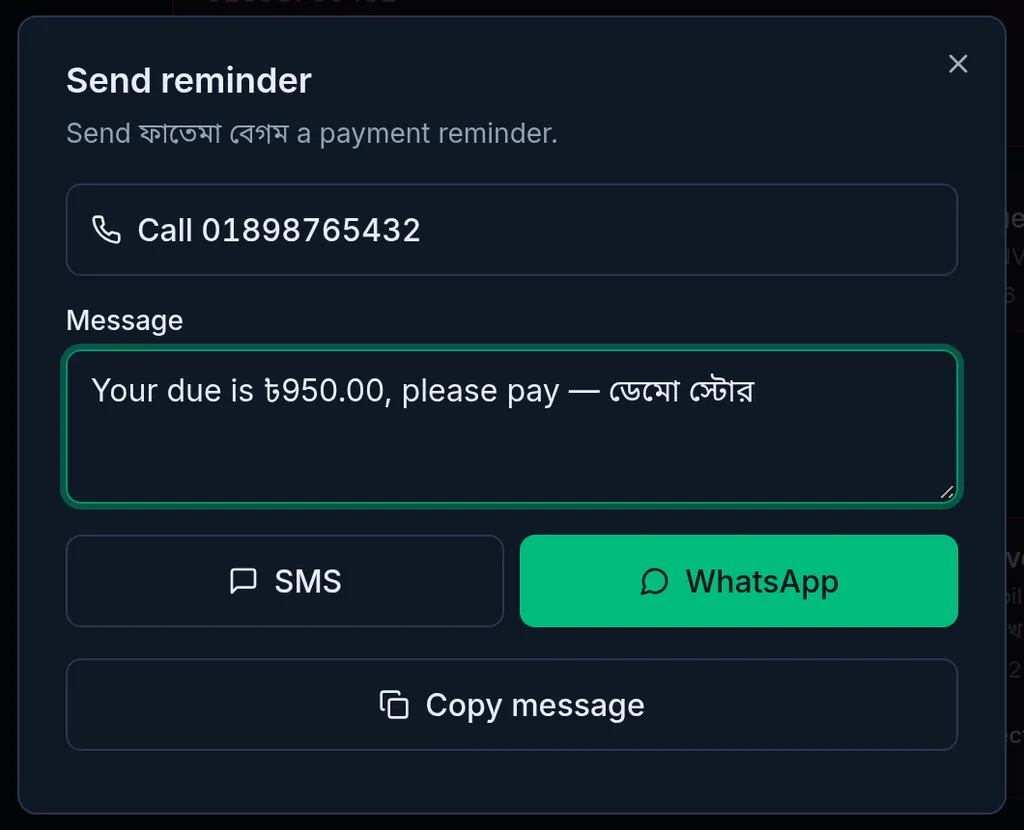
On a computer the same window opens in the middle of the screen. WhatsApp opens WhatsApp on the computer; for an SMS, it is easiest to tap Copy message and send it from your phone.
What happens next
- The message goes from your own phone and number. Tukri keeps no record of it, and nothing changes in the খাতা.
- It asks only for what the customer can pay now. Cash on delivery for parcels still with a courier is left out, because the courier collects that.
- When the customer pays, record it: Collect a customer's due. To show them every entry, send their statement or a link to their খাতা: Download a customer's statement or share their খাতা.
What is not available
Tukri does not send due reminders by SMS for you at the moment. You may see a Due reminders section under Settings › Shop, but turning it on sends no SMS for now. Send each reminder from your own phone as above.
If something goes wrong
There is no bell button. The customer has no phone number, or nothing they can be asked for now: their balance is zero, they have an advance, or all of it is cash on delivery a courier will collect.
Nothing happens when I tap SMS. A computer usually has no SMS app. Tap Copy message and send it from your phone.
The customer is not on WhatsApp. Send it with SMS instead.
I want the message in the other language. The ready message is in your app's language. Rewrite it in the box, or switch the app's language with the language buttons at the top.
Watch the video
What the video says
A customer asks how much they owe? Or want to remind them about their due? Both are done from the customer's খাতা.
In Due Book, tap the customer's name. At the top, beside the name, there are a few buttons: bell, statement, share and call.
Tap the statement button, and the খাতা downloads as a PDF. With dates, details and the balance, the whole account, from the start up to today. Print it, or send it to the customer.
Just want to give a link to look at? Tap share and then Create share link. Then send it on WhatsApp or by SMS. The customer sees the খাতা without signing in, but cannot change anything. The link stays open for 30 days. The Owner and Admin can share it.
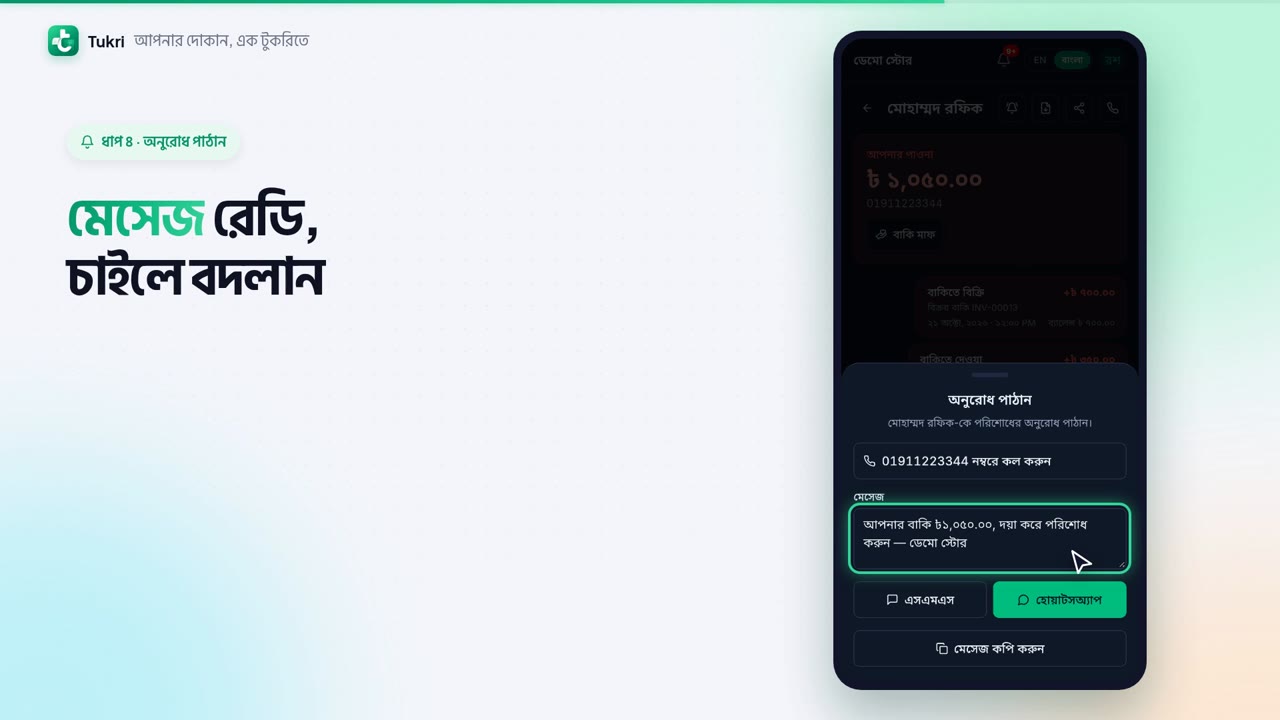
To remind them of their due, tap the bell button. With the due and your shop's name, the message is ready; change it if you like. Tap SMS or WhatsApp and your phone's own app opens, then send it yourself from there. To talk to them, tap call at the top.
The message goes from your own number. Tukri does not send SMS by itself.
Show your accounts simply, tukri.bd
Related articles
- Collect a customer's due When a customer pays their due, record it in their খাতা: how much, and whether it came in cash, to the bank or by mobile banking. The due drops at once.
- Download a customer's statement or share their খাতা Download a customer's whole due history as a PDF statement, or send them a read-only link on WhatsApp. A link stays open for 30 days.
- The Due Book (তালি খাতা): see who owes you and how much See in one place how much your customers owe you. Each customer's খাতা lists every sale on due, payment and other entry, with dates and balances.
Still need help?
Write to us, call or send a WhatsApp message, and someone from Tukri will help you.
