

On this page
The Shop assistant is a chat inside Tukri where you can ask about your own shop (today's sales, who owes you the most, what is running out, your profit) and how to do something in Tukri, in Bangla or English. Its figures come from your shop's own records, the same ones your screens and reports show. It comes with paid plans.
Before you begin
- Your shop's plan must include the assistant, and its paid period must not have run out. The free trial does not include it. To check, open Settings › Plan: a plan that has it lists "AI shop assistant". More in Your plan: trial, renewing and paying.
- Your role needs the "Use the AI assistant" permission. The Owner, Admin and Staff roles all start with it; the owner can change that on Settings › Roles (Roles and permissions).
- You need an internet connection. Selling works offline; the assistant does not.
Ask the assistant
- In the bar at the top of the screen, tap the sparkle button (Assistant) right next to the notifications bell. It is not in the menu on the left or in the bottom bar.

- The Shop assistant opens. Type your question in the "Ask about your shop…" box at the bottom and tap the green send button, or tap one of the ready-made questions in the middle, such as "How much did I sell today?". On a computer, Enter sends too, and Shift+Enter starts a new line.
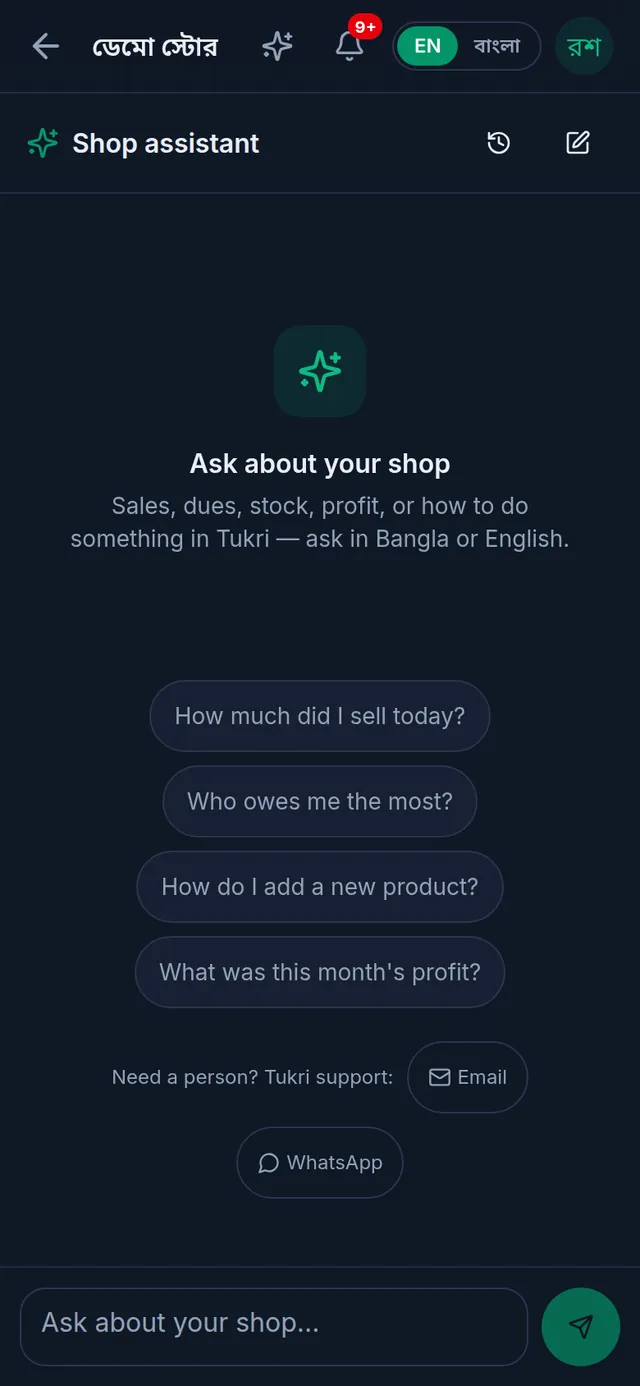
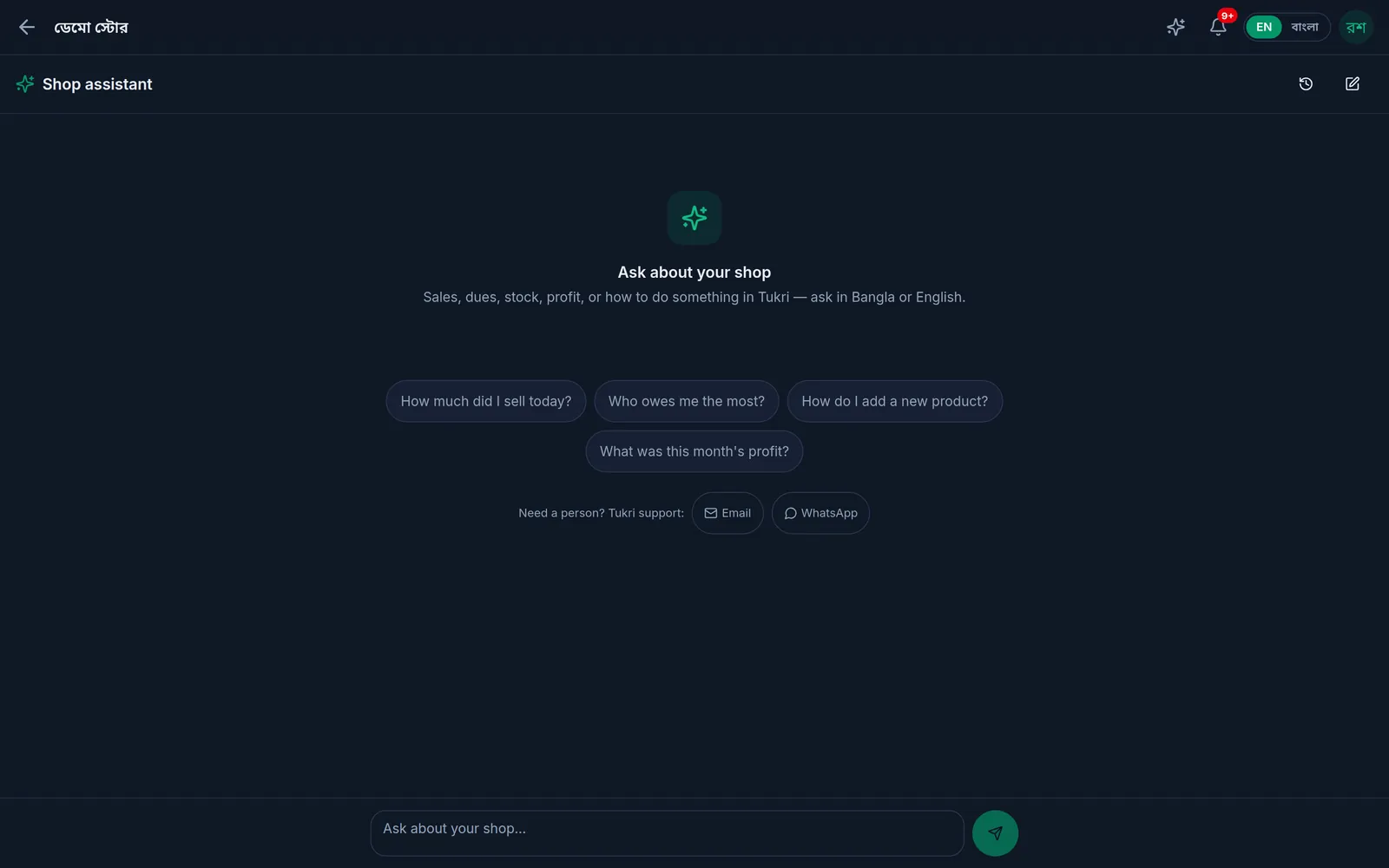
- The answer takes a moment; meanwhile a line such as "Looking it up…" shows. A question about how to use Tukri is answered from Tukri's help; such an answer is marked "From Tukri help" and may offer pages to open.
- If the answer helped, tap Helpful under it; if not, Not helpful.
- To start a fresh topic, tap New chat (the pen icon) at the top right. To reopen an earlier chat, tap Past chats (the clock icon). To delete a chat, tap its bin icon in that list, then Delete chat.
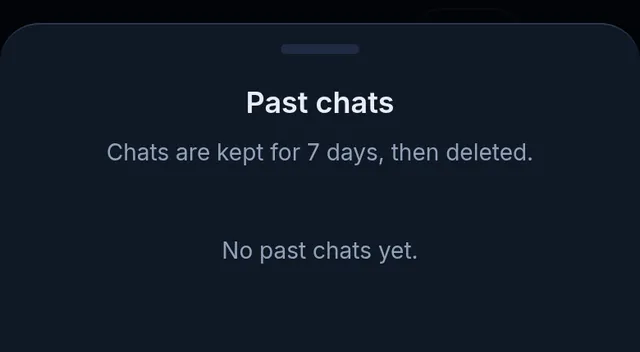
The assistant answers in the language you wrote in. A question in Banglish (Bangla typed in English letters) is answered in বাংলা.
What you can ask
- sales for today or any period, day by day, how one period compares with another, and the best or worst day
- profit, the cost of goods sold, the profit and loss, and expenses by category
- each money account's balance, money received today, and where money came in and went out
- what is out of stock or running low, what to reorder, stock value, and lots that have expired or expire soon
- one product's stock, price and unit, found by name, SKU or barcode
- best-selling and slowest-selling products, and what each team member sold
- who owes the most in the Due Book, and what the shop owes its suppliers
- installment figures when installments are turned on, and parcels when the shop uses the Delivery Hub
- how to do something in Tukri, or why a feature is missing
The assistant answers within your own permissions. A report or profit figure you cannot see on its screen, it will not tell you either.
Three things it can record for you
Besides answering, the assistant can record three things:
- Receive stock: add a quantity that came in to one product. Needs "Correct stock".
- Collect a due: record a payment a customer made against their Due Book balance, into one of the shop's accounts. Needs "Take a due payment".
- Record an expense: under an expense category the shop already has, paid from one account. Needs "Record expenses".
Each time it first shows a card, such as "Add to stock", naming the exact product, customer or category and the exact amount or quantity. Nothing is saved until you tap the card's confirm button; Cancel drops it. The card then shows Confirmed or Cancelled.
What it cannot do
- Make a sale, set or change a price, or create a product, customer or expense category
- Change or remove anything already recorded
- Receive stock for a product sold in variants or tracked by batch and expiry. Use the Stock screen, where the batch and expiry can be entered.
- Send, cancel or return a courier parcel
- Tell you about any shop other than yours
Do these on their screens: Sell, Products, Stock, Due Book and Expenses.
Limits
- Your plan sets how many questions the shop can ask in a day. The limit is for the whole shop, not each person, and it refills at midnight. When the plan sets one, the line under the question box shows how many are left today.
- Chats are kept for a limited time and then deleted for good; the Past chats list says how long. You can delete a chat yourself before that.
- A very long question is refused; keep each question short.
If something goes wrong
There is no sparkle button in the top bar. Either the plan does not include the assistant, or your role does not have "Use the AI assistant". When it is the plan, the assistant's page says "The assistant comes with a paid plan", and the owner can compare plans with See plans. If the page says "The assistant is not switched on", it is not switched on for your shop yet; everything else works as usual. If it is your permission, ask the owner.
"The assistant has answered as many questions as this shop can ask today. It will be ready again tomorrow." The shop has used today's questions. Ask again tomorrow; moving to a bigger plan raises the limit straight away.
"The assistant is part of a paid plan. Upgrade your plan to start using it." The plan does not include the assistant, or its paid period has run out. Renewing brings it back.
"The assistant could not answer just now. Please try again in a moment." No answer came that time. Tap Try again under the message to ask the same question again.
"That is a lot of questions at once. Please wait a moment and ask again." Too many questions in a short time; wait a moment.
"The assistant needs a connection. Your sales still work offline." There is no internet. Ask again once you are back online.
Watch the video
What the video says
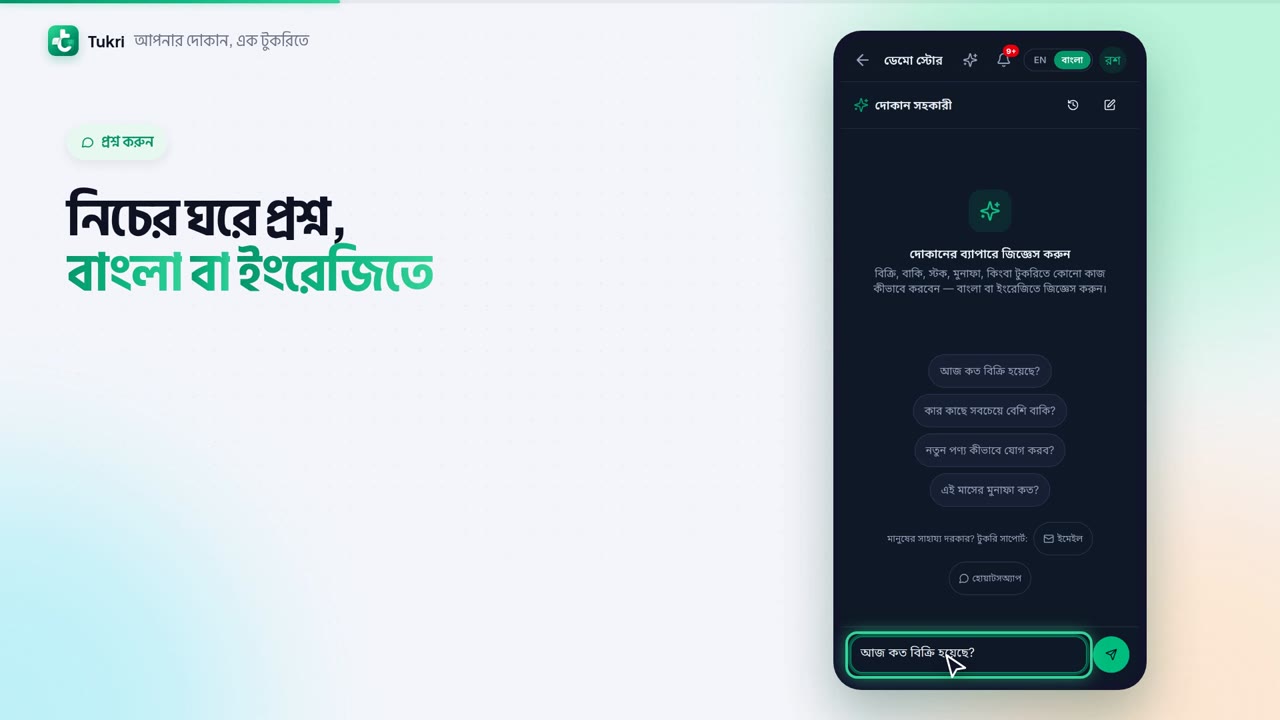
Want to know your shop's figures just by asking a question? Ask Tukri's Shop assistant.
In the top bar, right next to the bell, tap the sparkle button. The Shop assistant opens.
Type your question in the box below, in Bangla or English. Then tap the green Send button. You can also tap a ready-made question.
Answers come from your shop's records, like today's sales, who owes you the most, or which products are running out. How to do something in Tukri, you can ask that too.
What your role cannot see, the assistant won't tell you either. Ask it to add stock, collect a due or record an expense, and it shows you a card first. Nothing is saved until you confirm.
The assistant comes with paid plans; the free trial doesn't include it. And it needs the internet.
Ask a question, get an answer, tukri.bd
Related articles
- Roles and permissions: what Owner, Admin and Staff can do Every team member has one role that decides what they can do in Tukri. See what Owner, Admin and Staff can do, and change a member's role.
- Adjust stock: damage, loss or a count correction Add or remove stock with a reason when goods are damaged, lost or miscounted, and fix a wrong adjustment with an opposite one.
- Collect a customer's due When a customer pays their due, record it in their খাতা: how much, and whether it came in cash, to the bank or by mobile banking. The due drops at once.
- Record shop expenses Write down rent, electricity, salaries and other costs with a category and the account they came from. The account goes down and profit and loss counts it.
Still need help?
Write to us, call or send a WhatsApp message, and someone from Tukri will help you.
