

On this page
The Delivery Hub sends parcels with your own Pathao, Steadfast, REDX, Paperfly or CarryBee account and follows each one from booking to delivery. It starts switched off; turn it on in Settings › Features.
Before you begin
- Two things are needed: your plan must include the Delivery Hub, and the shop's own switch must be on. Settings › Plan shows which plans include it: they list "Delivery Hub (courier parcels)".
- The first time, it must be switched on by the shop's Owner or an Admin.
Turn it on
- Open Settings:
On a computer
Click Settings in the menu on the left.
On a phone or tablet
Tap Menu in the bar at the bottom, then Settings.
- Open the Features tab at the top.
- Turn on the switch in the Delivery Hub row.
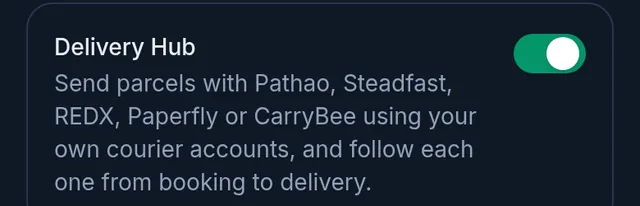
- Tap Save at the bottom.
- Delivery now appears in the menu: on the left on a computer, in the Menu list on a phone.
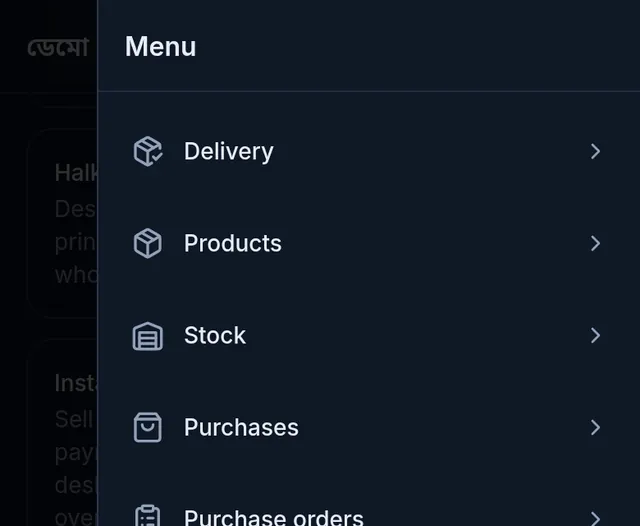
Next, connect your courier account: Connect your courier account.
If something goes wrong
The Delivery Hub switch will not stay on and mentions the plan. Your plan does not include the Delivery Hub. The shop's owner can choose a plan that does in Settings › Plan.
The plan includes it, but it asks to renew. The subscription has run out. Renewing brings the hub back.
It says the owner or an Admin must switch it on first. Only the owner or an Admin can switch it on the first time. Ask one of them.
There is no Delivery Hub row in Features at all. No plan you can choose includes the Delivery Hub right now. Contact Tukri support.
Others see Delivery in the menu, but I do not. Your role does not allow seeing deliveries. Ask the shop's owner.
Watch the video
What the video says
Want to send parcels with your own courier account? First, let's turn on the Delivery Hub, then connect a courier.
Open Settings from the menu, and go to the Features tab. Turn on the Delivery Hub switch, then tap Save at the bottom. Your plan must include the Delivery Hub, and the first time, the Owner or an Admin turns it on.
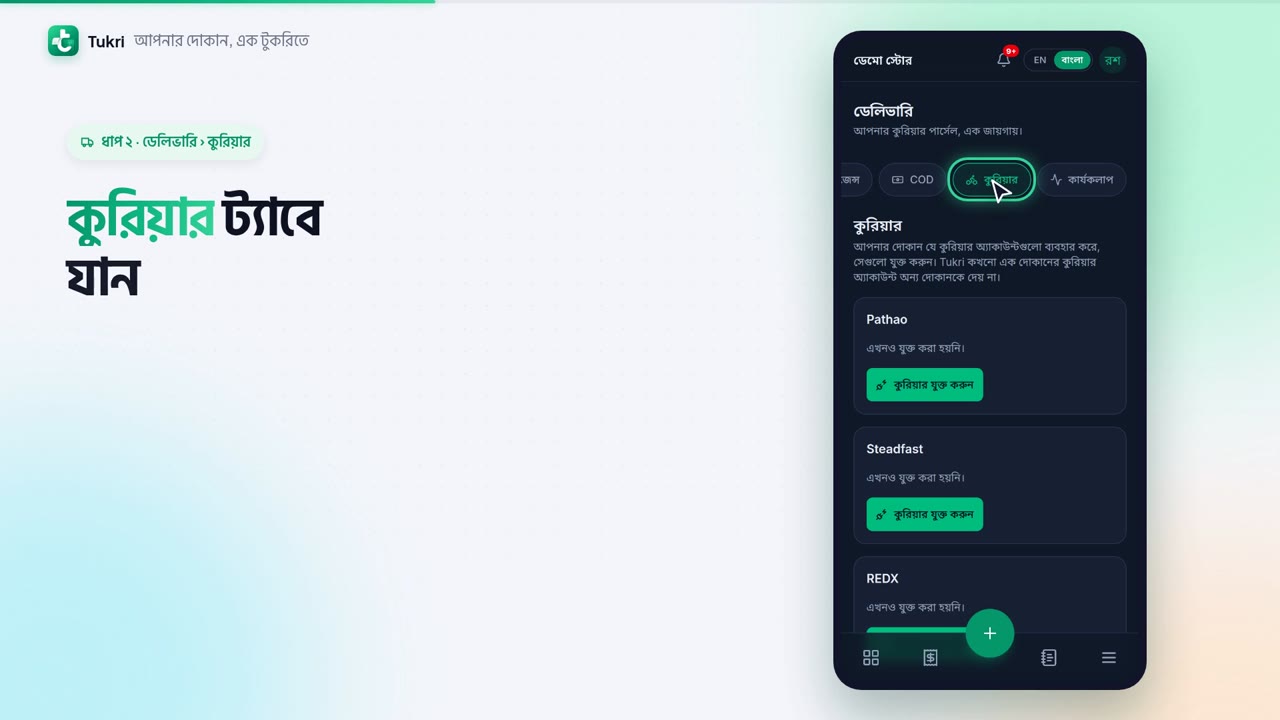
Now Delivery appears in the menu. In Delivery, go to the Couriers tab. Pathao, Steadfast, REDX, Paperfly, CarryBee, each has its own card. On your courier's card, tap Connect courier.
Here you need the login from the courier's merchant panel. For Steadfast, that's the API key and the Secret key. Copy them from the panel and paste here. You can also give the account a name.
Now tap Test connection. Tukri checks the login with the courier; no parcel is booked. If it's right, you'll see "The connection works." Then tap Save connection. Saving stays off until the test passes. With Pathao, REDX and CarryBee, you also choose a pickup store.
That's it, now send parcels with your own account, tukri.bd
Related articles
- The Delivery Hub Send and follow courier parcels with your own Pathao, Steadfast, REDX, Paperfly or CarryBee account. What each tab does and who can see it.
- Connect your courier account Connect your own Pathao, Steadfast, REDX, Paperfly or CarryBee merchant account: copy its login from the courier's panel, test the connection, and save.
Still need help?
Write to us, call or send a WhatsApp message, and someone from Tukri will help you.
