

On this page
You need an account to use Tukri, and opening one costs nothing and needs no card. Register with your email and phone number, or with a Google account. After that you log in with the same email and password, with Google, or with a passkey.
Before you begin
- An email address you can open: the verification code and password reset links go there.
- A Bangladeshi mobile number.
Open a new account
- Open tukri.bd and choose Start free.
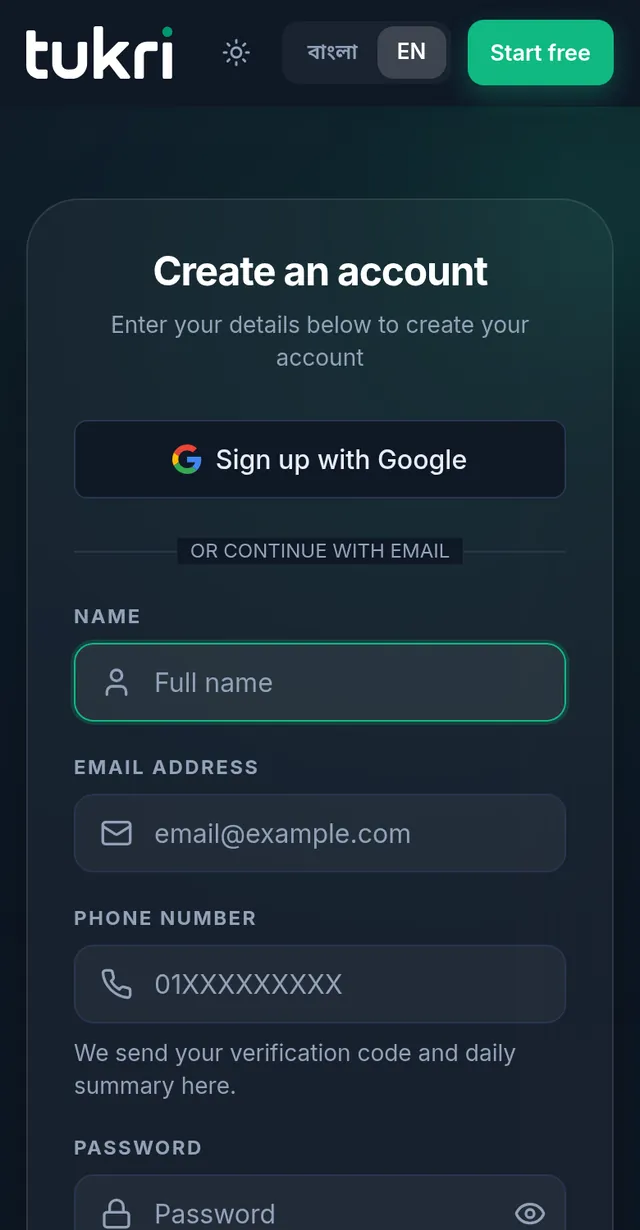
- Type your Name, Email address and Phone number. A green tick under the number means it is a number Tukri can reach.
- Type a Password. Every rule under Your password needs must turn green: at least 8 characters, a capital and a small letter, a number and a symbol (such as ! @ #).
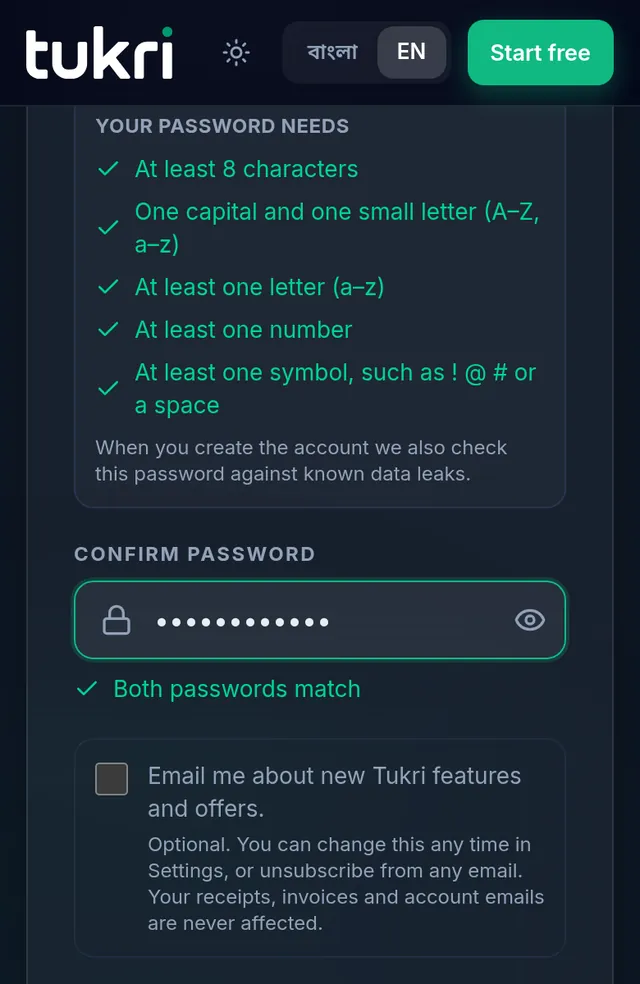
- Type the same password again in Confirm password. Both passwords match appears when they match.
- Choose Create account.
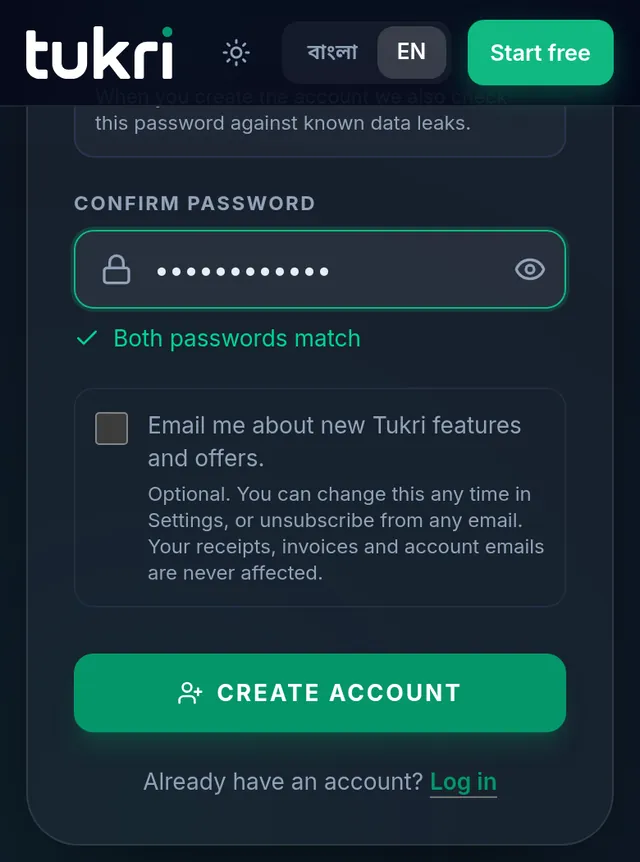
- The email verification screen comes next, then shop setup: see Verify your email address and Set up your shop.
Log in
- Choose Log in at the top of tukri.bd. On a phone it is inside the menu at the top.
- Type your Email address and Password and choose Log in. If you registered with Google, choose Continue with Google; if you set up a passkey, Sign in with a passkey.
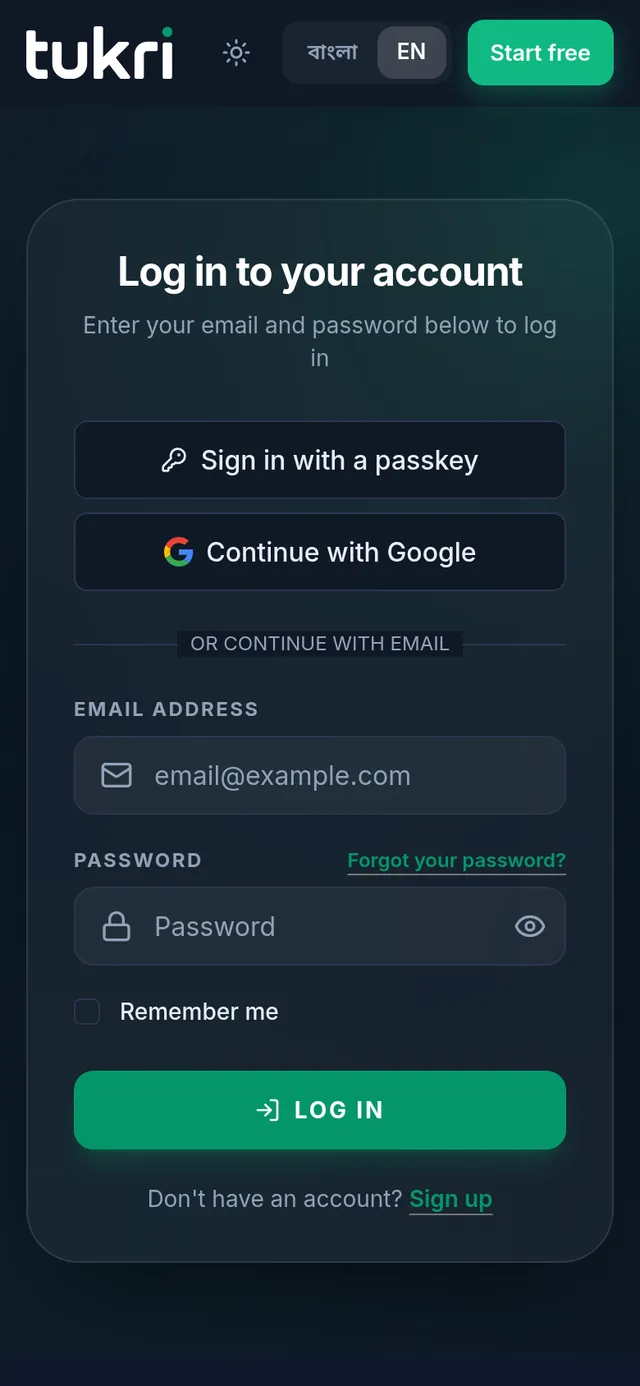
- On your own phone or computer, tick Remember me to stay logged in on it. Without it you stay logged in as long as you open Tukri at least once every seven days.
If you forgot your password
- On the log in page, choose Forgot your password?.
- Type your account's email address and choose Email password reset link.
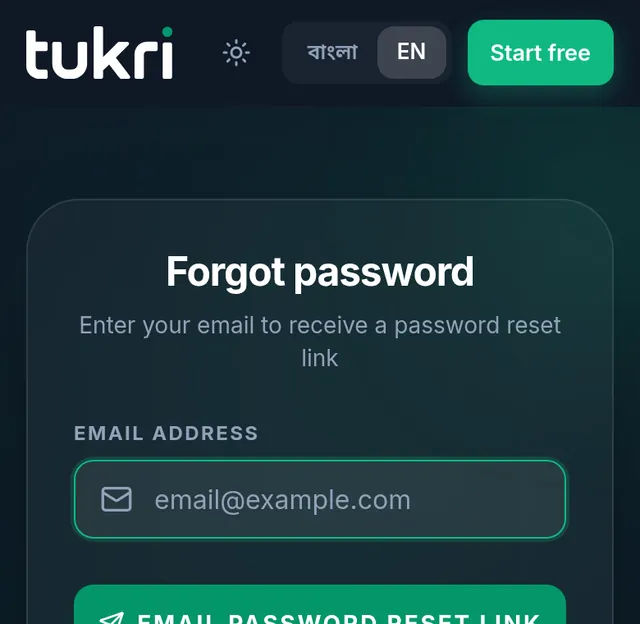
- Open the link in the email, type a new password twice and choose Reset password. Then log in with the new password.
Log out
On a phone or tablet
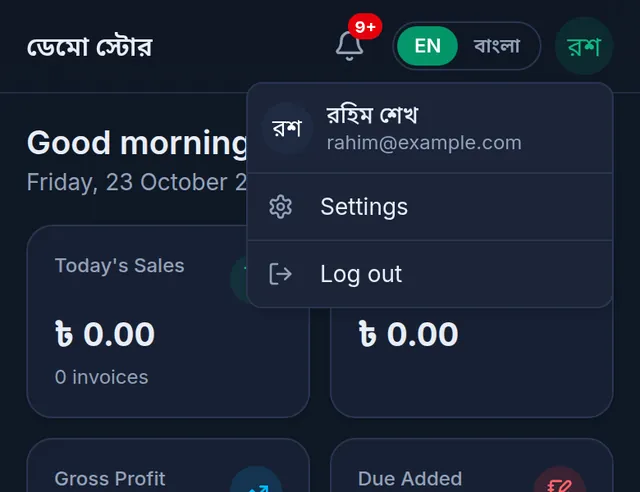
- Tap the round button with your initials at the top right.
- Tap Log out.
On a computer
- Click your name at the very bottom of the menu on the left. On the till, your name is at the top right.
- Click Log out.
If something goes wrong
My email address is refused. Temporary ("disposable") email addresses cannot open an account; use the address you normally use. If the address looks mistyped, Tukri suggests the right spelling.
It says the email already has an account. One email address opens one account. Log in to that account, and reset the password as above if you do not remember it.
My password is refused. Every rule in the list must be green. When the account is created, Tukri also checks that the password is not on a list of leaked passwords; if it is, choose another.
A security check appears under the form. Wait for the check to finish, then press the button.
Watch the video
What the video says
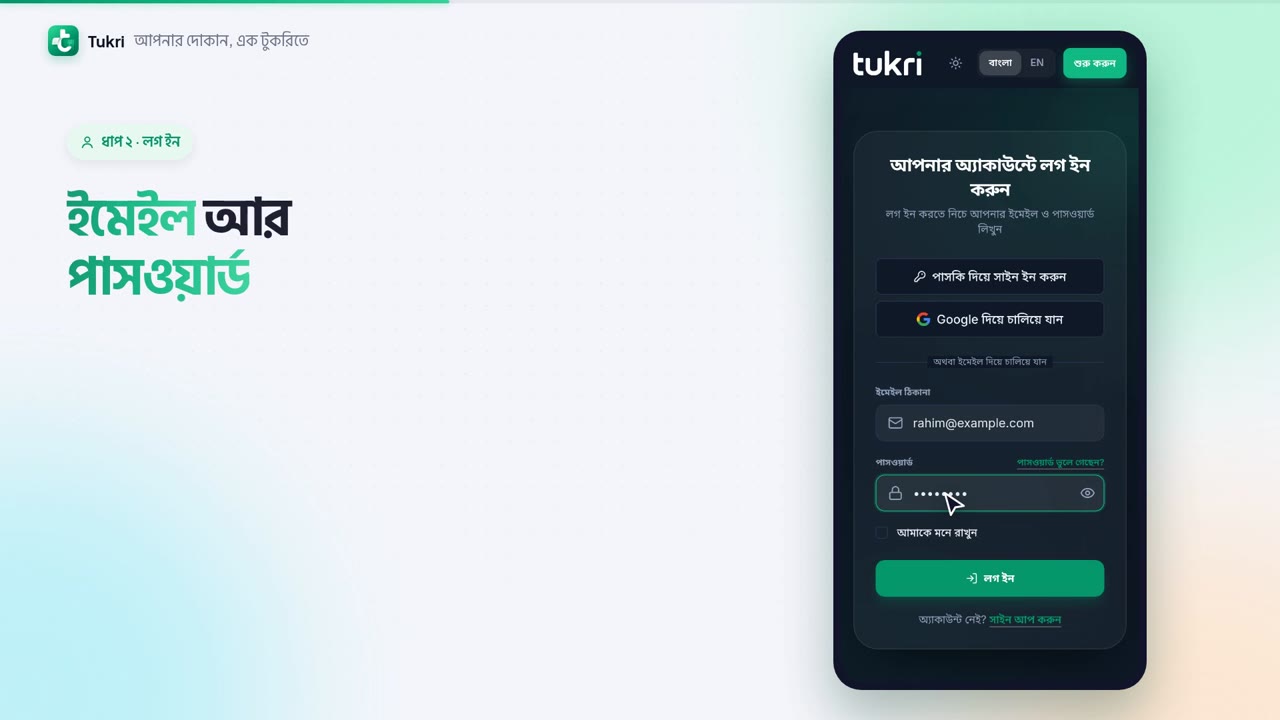
How do you log in to Tukri? What if you forget your password? Let's take a look.
Open tukri.bd, tap the menu at the top, then Log in. If the page opens in English, tap Bangla at the top.
If you opened your account with Google, press Continue with Google. Otherwise, enter your email and password. On your own phone, tick Remember me. Then press Log in to reach the Dashboard.
Can't remember your password? On the log in page, press Forgot your password? Enter your account's email, and press Email password reset link. Open the link that comes in the email. Type a new password twice, and press Reset password. Now log in with the new password.
To log out, tap the round button with your initials at the top right, then Log out. If offline sales haven't synced yet, let them sync online first.
Run your shop safely, tukri.bd
Related articles
- Verify your email address After opening your account, verify your email with the 6-digit code or the button Tukri emails you. You can also do it later from Settings.
- Set up your shop Set up your shop in two steps after opening your account: name, type and phone, then address and language. A free 14-day Premium trial comes with it.
- Use Tukri in Bangla and install it on your phone Switch Tukri between English and বাংলা in one tap, and add it to the home screen of an Android phone, an iPhone or a computer. No app store needed.
Still need help?
Write to us, call or send a WhatsApp message, and someone from Tukri will help you.
