

On this page
To take money off the whole bill, open Discount & charges in the cart and give a Cart discount: a flat taka amount (Flat ৳) or a percent (Percent %). The Discount line above the total shows how much came off, and the total drops to match.
Before you begin
- Anyone who can sell can give a discount; there is no separate discount permission and no maximum. The Owner, Admin and Staff roles all can.
- If you have not sold on Tukri before, start with Make a sale at the till.
Discount the whole bill
- On the Sell screen, put all the products in the cart.
- Open the cart. On a computer it is on the right, under Current sale. On a phone, tap the green Checkout bar at the bottom to open the Cart.
- Below the products, tap the Discount & charges row. It opens.
- Next to Cart discount, choose a taka amount (Flat ৳) or a percent (Percent %).
- Type the discount in the box beside them. With percent chosen, 5 takes 5% off the bill; with flat chosen, 50 takes 50 taka off.
- Under Subtotal, the Discount line shows the amount taken off in red, and the Total goes down. While a discount is on, the Discount & charges row also says Discount on its right.
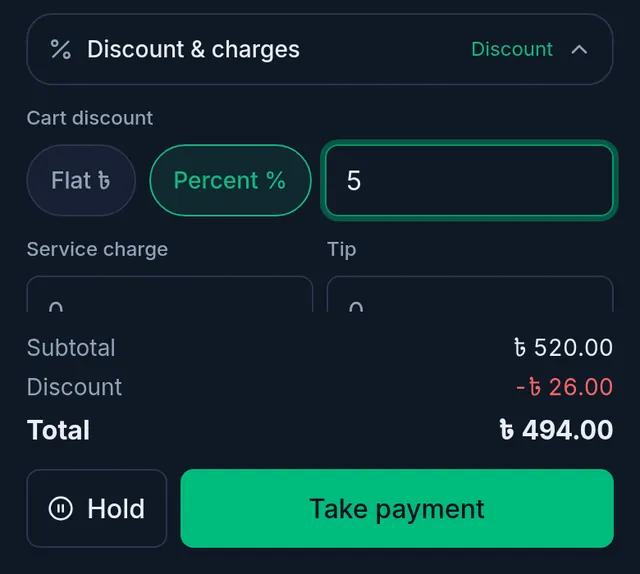
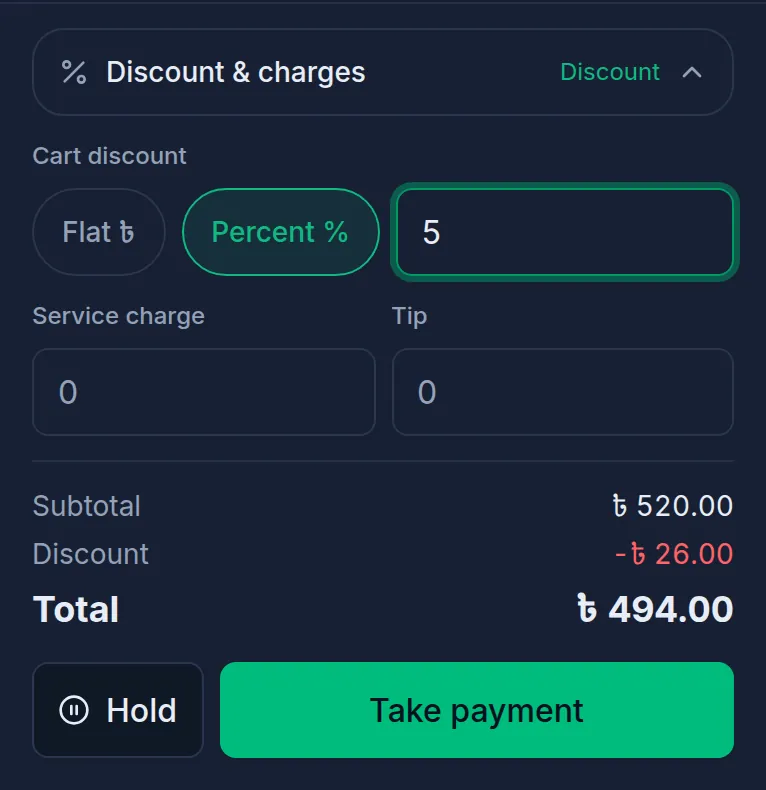
- Tap Take payment, take payment for the lower total and complete the sale.
To take the discount off again, empty the box. The same row also has Service charge and Tip boxes; they are not discounts, they add taka to the bill.
How the total is worked out
Tukri works the bill out in this order, so a percent always comes off the amount just before it:
- Each line's price, with its special rate and line discount. All the lines together make the Subtotal.
- If the customer is in a customer group with a discount, their member discount comes off by itself.
- Then your Cart discount. A percent is a percent of what is left after the member discount.
- Loyalty points, if the customer spends some.
- The Service charge and Tip are added.
- If Cash rounding is on in your shop settings, the total is rounded last; the cart shows it as Rounding.
What happens next
- The discount is saved with the sale. Open the sale from Sales and the totals show the Discount.
- If items are returned later, the refund leaves out their share of the bill discount, so it matches what the customer really paid.
If something goes wrong
I typed a percent over 100. Anything over 100% counts as 100%. A flat amount bigger than the bill is cut down to the bill; a bill never goes below zero.
It says "The discount cannot exceed the subtotal." Nothing was saved. Lower the cart discount and take payment again.
The discount disappeared. Reloading the page or leaving the till empties the cart. To keep a cart while you serve someone else, tap Hold. A parked cart keeps the bill discount, but not the service charge or tip; add those again when you open it.
Watch the video
What the video says
Agreed a lower price with a customer? Or a little off the whole bill? Let's see how to give discounts in Tukri.
Put the products in the cart and tap Checkout on the green bar. Each line has three icons on the right: a coin, a tag and a bin.
To change the price itself, tap the coin icon. Type the new price for one unit, say, 140 for a dozen eggs. The new special rate shows in green, with the old price struck through. The product's real price doesn't change.
To take taka off one line, tap the tag icon. Type the discount for the whole line, such as 10 taka in all on three soaps.
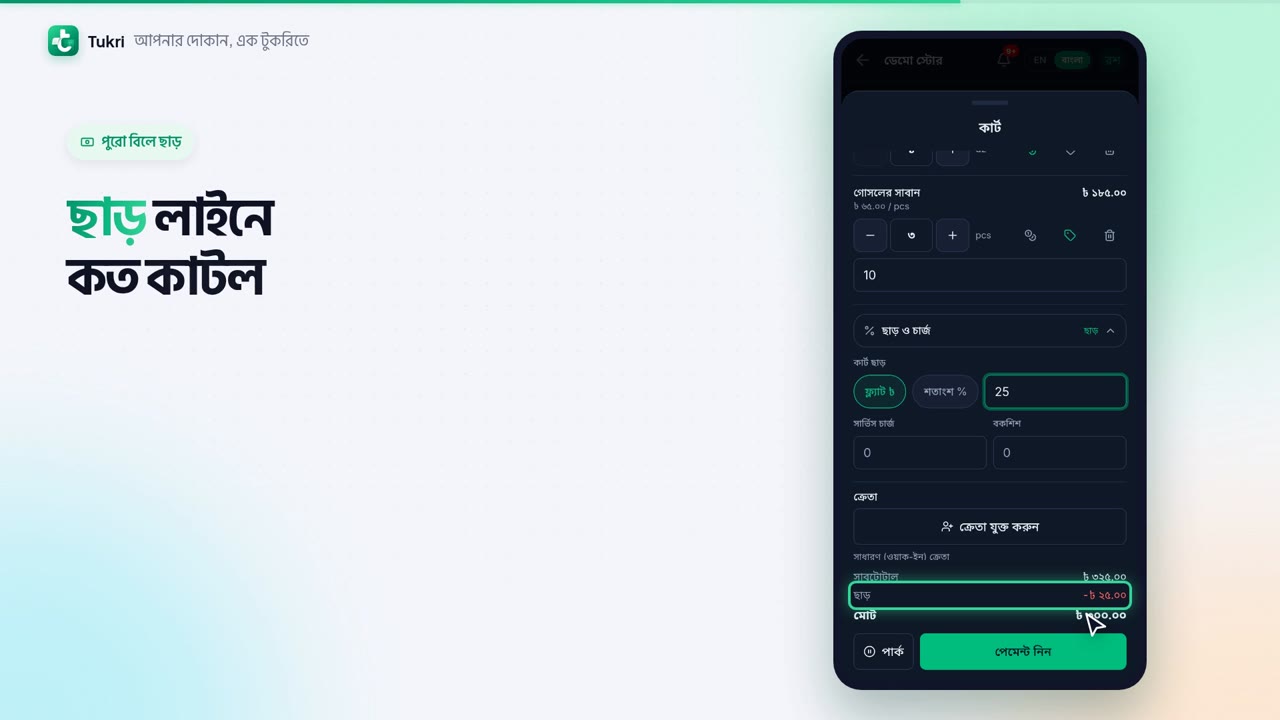
To discount the whole bill, open Discount & charges below. Choose a flat taka amount or a percent, then type the number. The Discount line shows what came off, and the total goes down too.
Now tap Take payment and complete the sale. Discounts and special rates are saved with the sale. Whoever can sell can give a discount.
Bargaining without the hassle, tukri.bd
Related articles
- Discount one item Take a taka amount off one line of the cart. The discount is for the whole line, not each piece, and can never be more than the line.
- Sell at a special rate Change one product's price in the cart for this sale only. The product's saved price stays as it is, and the receipt shows the special rate.
Still need help?
Write to us, call or send a WhatsApp message, and someone from Tukri will help you.
